
Shawn Keene
-
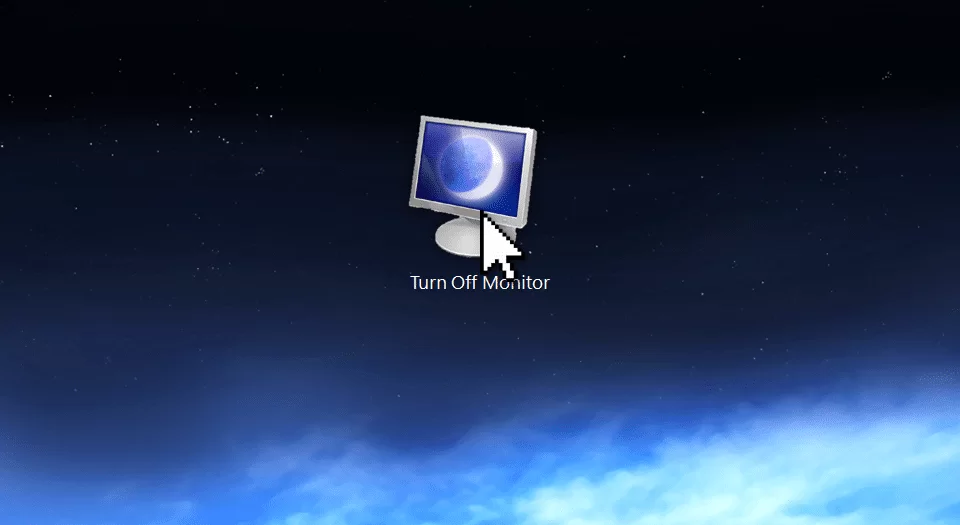
Turn off a built-in monitor from a shortcut
If you have a laptop or all-in-one computer, you might have times where you wish to leave the computer on but turn off the display. Although most computers with built-in monitors lack a monitor switch, you can still turn it off in a click. Here’s how.
-

Monitor or Limit Data Usage in Windows 8.1
With the release of Windows 8.1, Microsoft made a great number of improvements to Windows 8. Unfortunately, it also marked a step backwards in terms of easily adjusting your network settings. Here’s an update of how to monitor or limit data use in Windows 8.1.
-
Declutter browser tabs from your taskbar
Usage tracking shows that 95% percent of home users typically have 5 or fewer browser tabs/windows open at a time. In an office environment though, this number easily triples. This tip will help you juggle dozens of browser windows more easily, and let you spend less time finding the one you need.
-
![Create a Spotlight Effect in Office [Video]](https://cmdrkeene.com/blog/wp-content/uploads/2014/03/compare.webp)
Create a Spotlight Effect in Office [Video]
Did you know you can use tools and skills you already have to produce higher quality graphics for your presentations, without paying for or learning expensive image editing programs?
-
Open Files on the Desktop in Windows 8
If you use Windows 8 on a typical desktop computer (with a keyboard and mouse), you may not like getting whisked over to a full-screen tablet interface just because you opened an email attachment or picture file. Here’s how to stop that and stay on the desktop.
-

Bing Tells You Where the Movie Is
Bing in fact has a secret power that is kept too secret. Searching for a movie provides an index of which services carry the title, which saves you from individually searching various apps and sites. Big deal? It saves real money too, when the movie is already on a service you subscribe to, you can watch it there instead of buying it outright.
-
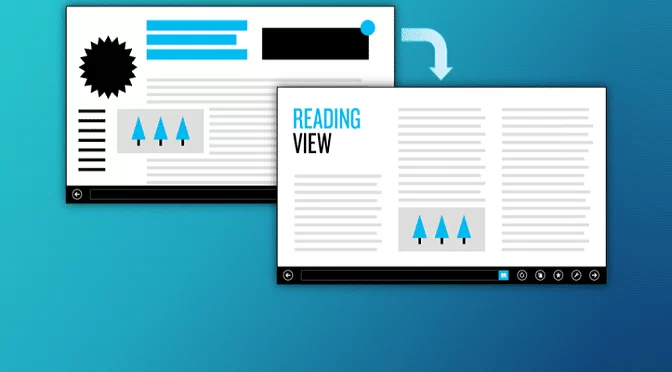
Windows 8.1 Reading Mode
Most of us don’t typically consider our browsing experience. We use the web and take it as it is. But the new reading mode in Windows 8.1 adds one more to a growing list of reasons to come back to the browser you loved to hate.
-
![One Year of Windows 8 App Store Growth [Screenshots]](https://cmdrkeene.com/blog/wp-content/uploads/2013/12/Screenshot-32.webp)
One Year of Windows 8 App Store Growth [Screenshots]
How has Windows 8 app selection grown in the past year? Checkout this Start screen comparison and see for yourself.
-

Saved files from IE plugins get redirected
Have you ever tried to save a file from web-based app or plugin, but the file doesn’t show up where you put it? Here’s why.
-
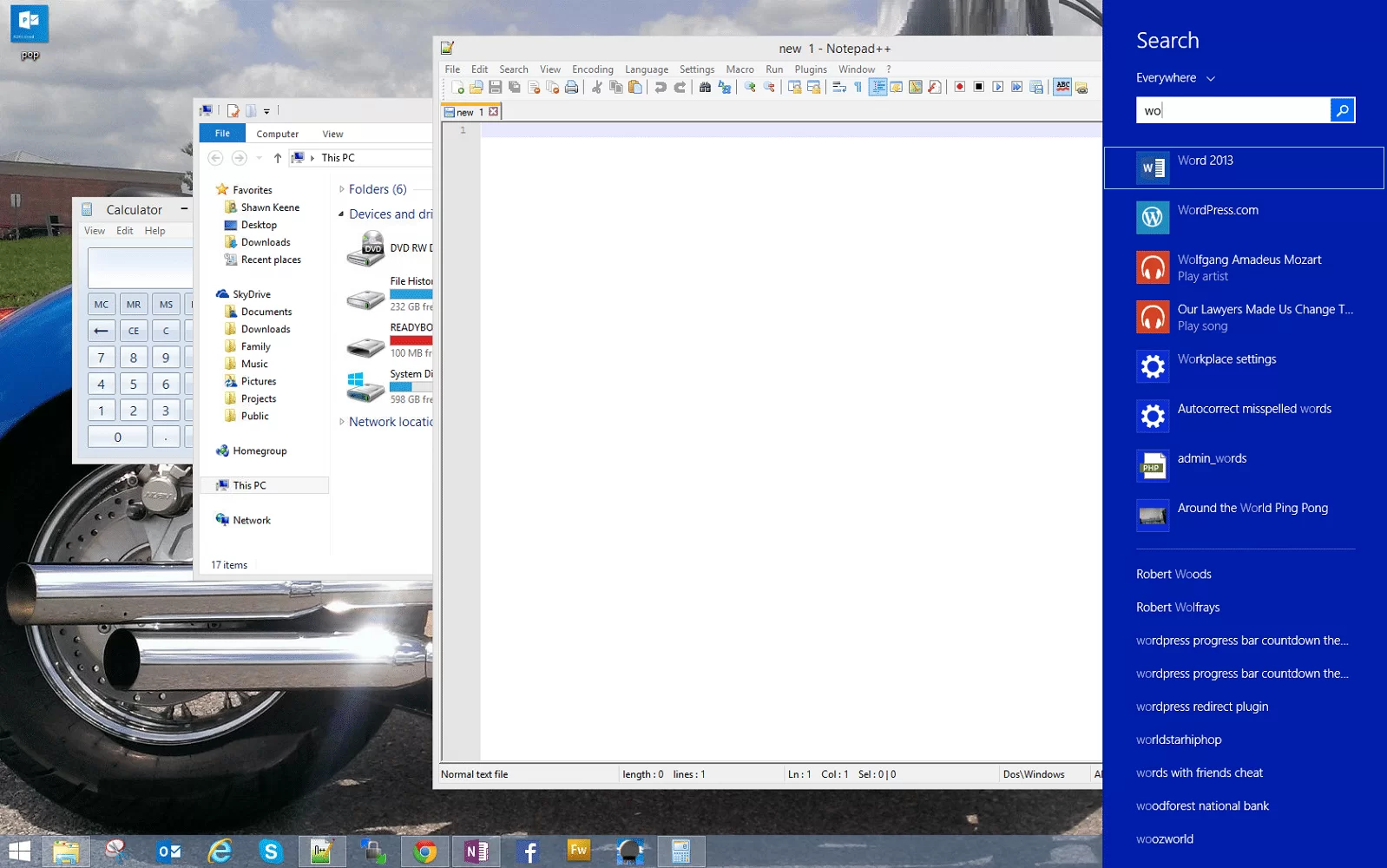
Windows 8 Tip: Search without leaving the desktop
Watch a Power User for a while, and you’ll soon notice that they rarely take their hands off the keyboard. Without lifting a wrist to touch a mouse, trackpad, or touch screen, these super users move seamlessly between tasks, switch programs, and navigate complex and large documents.