
Tech
indulgences into my geek side
-
The Bare Minimum Backup Strategy
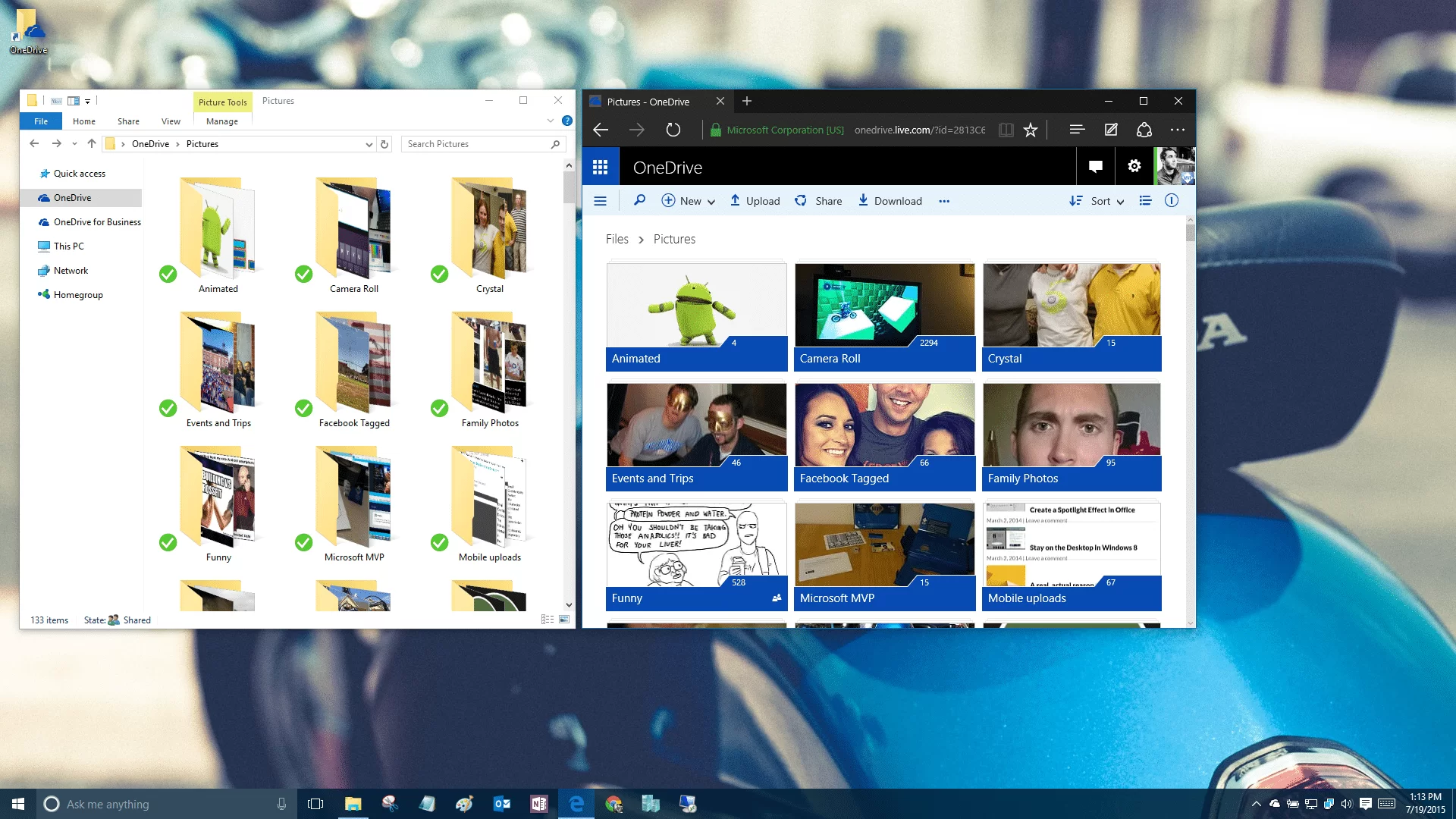
Accidents happen, files get saved over or deleted, viruses intrude, and hard drives fail. So why do so many of us ignore backups? Today I’ll share a simple practice to ensure you are always protected from data loss.
-
Ear Trumpet Adds Per-App Volume to Windows
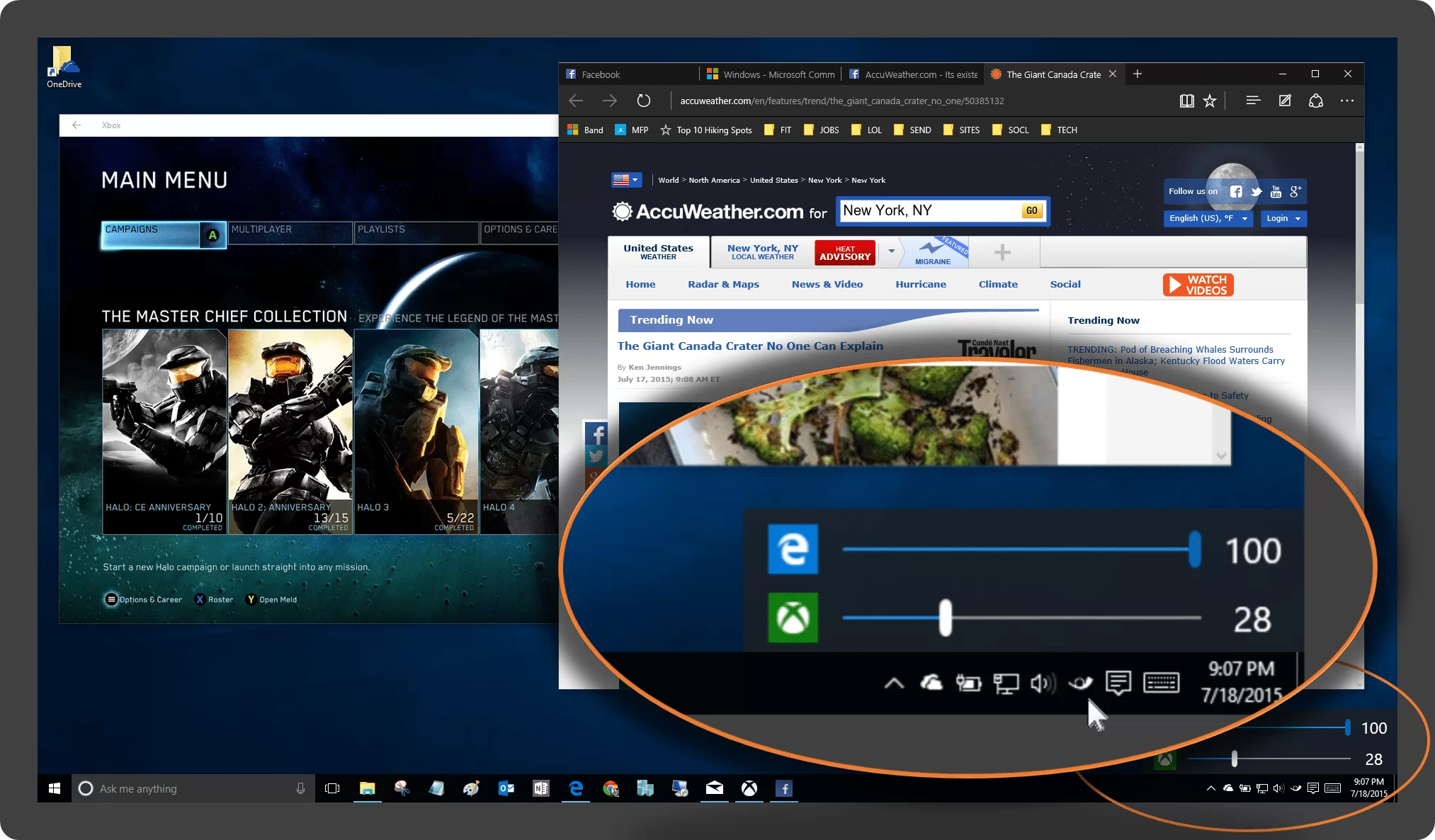
Ear Trumpet is a small notification icon that provides app-specific volume controls in the Windows taskbar.
-
Capture your Screen as a GIF Animated Image
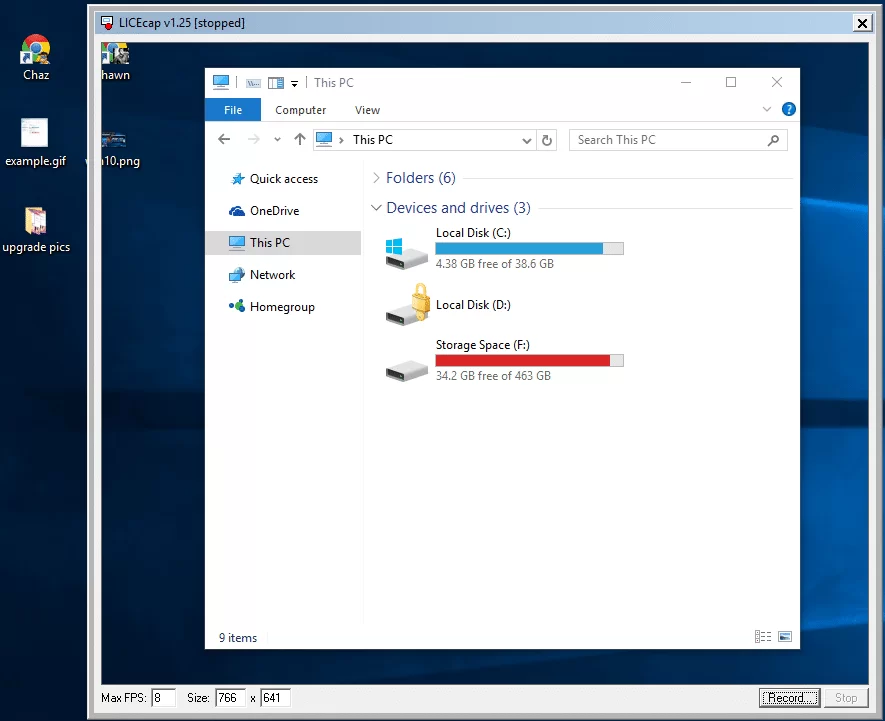
If a picture is worth 1000 words, a video must be pure gold. But recording and sending a video capture of your screen for a quick how-to or to demonstrate an issue is a chore. Today I’m going to share a tool I found to make it much easier.
-
Sort Outlook Folders by Filed-Date Order
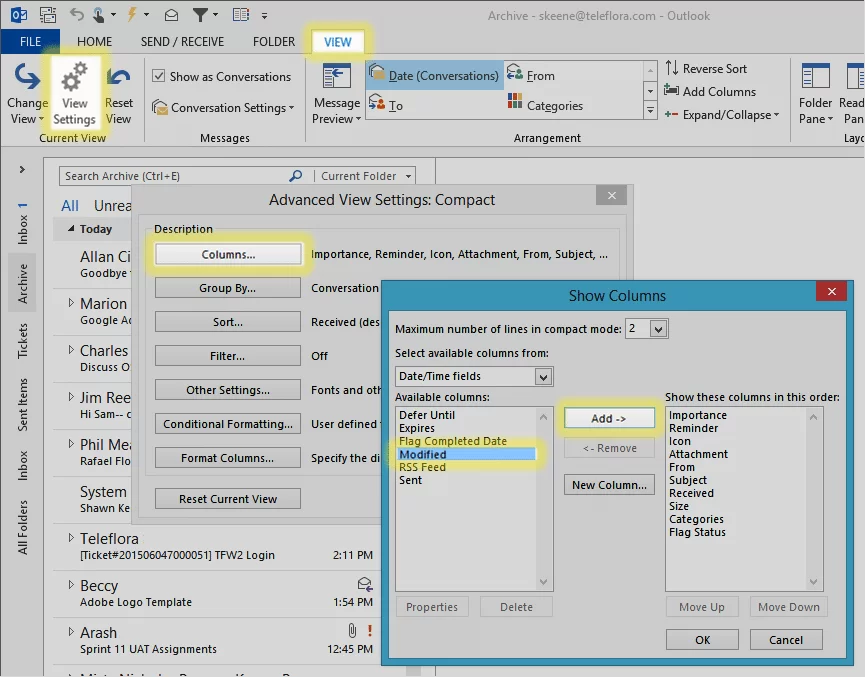
Recycle Bin has this great ability to sort by the date deleted. Like a real trash can, the stuff you threw away last is on top. Today we’re bringing that ability to Outlook – and not just for the trash.
-
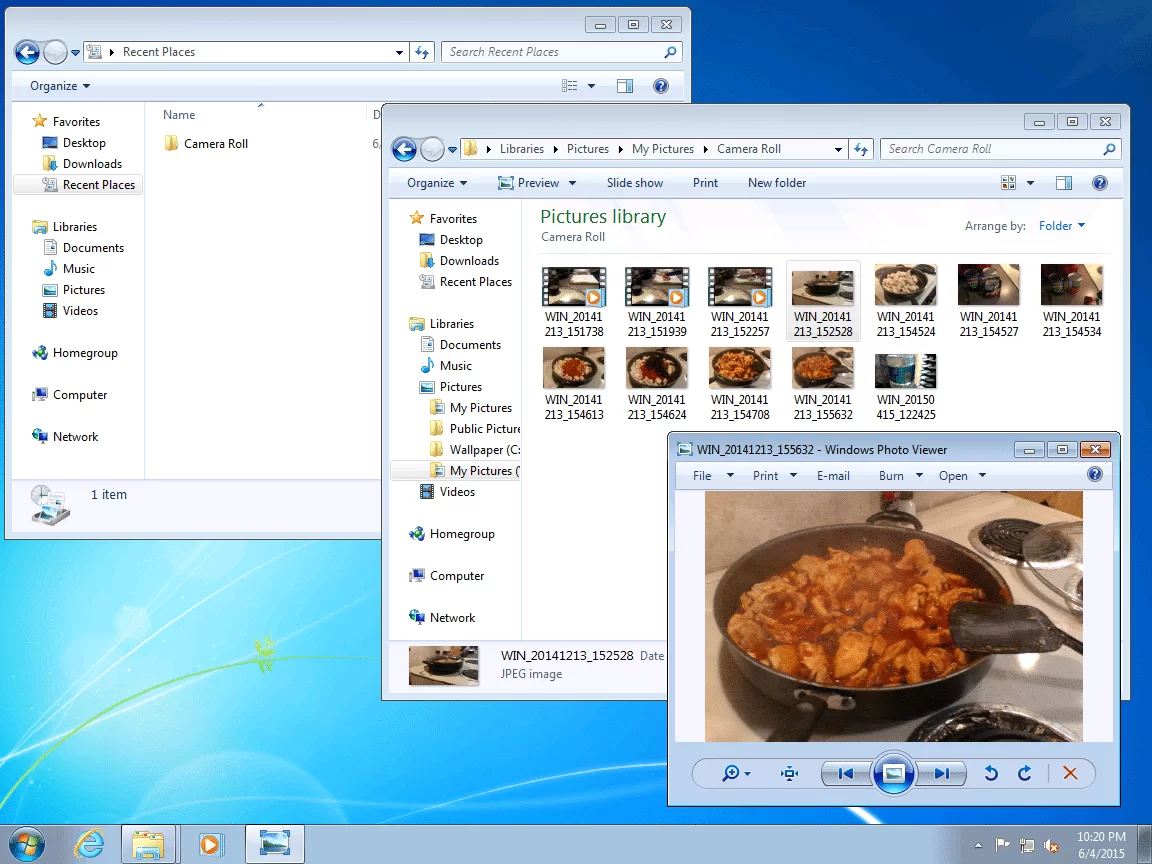
Make Recently Used Work for You
Today’s cheap trick helps get right back to that file or folder you were working on just the other day. But, where was that again?
-
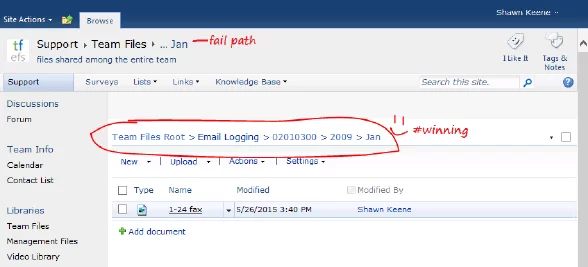
Add Full Breadcrumbs to SharePoint Document Library
Inexcusably, SharePoint has no true breadcrumb navigation. In document libraries, navigating up and down the folder hierarchy is a painful series of pageloads. Fortunately, there are options.
-

Registration open for the MVP Virtual Conference
Hi everyone – I wanted to let you know about a great free event that Microsoft and the MVPs are putting on, May 14th & 15th. Join Microsoft MVPs from the Americas’ region as they share their knowledge and real-world expertise during a free event, the MVP Virtual Conference.
-
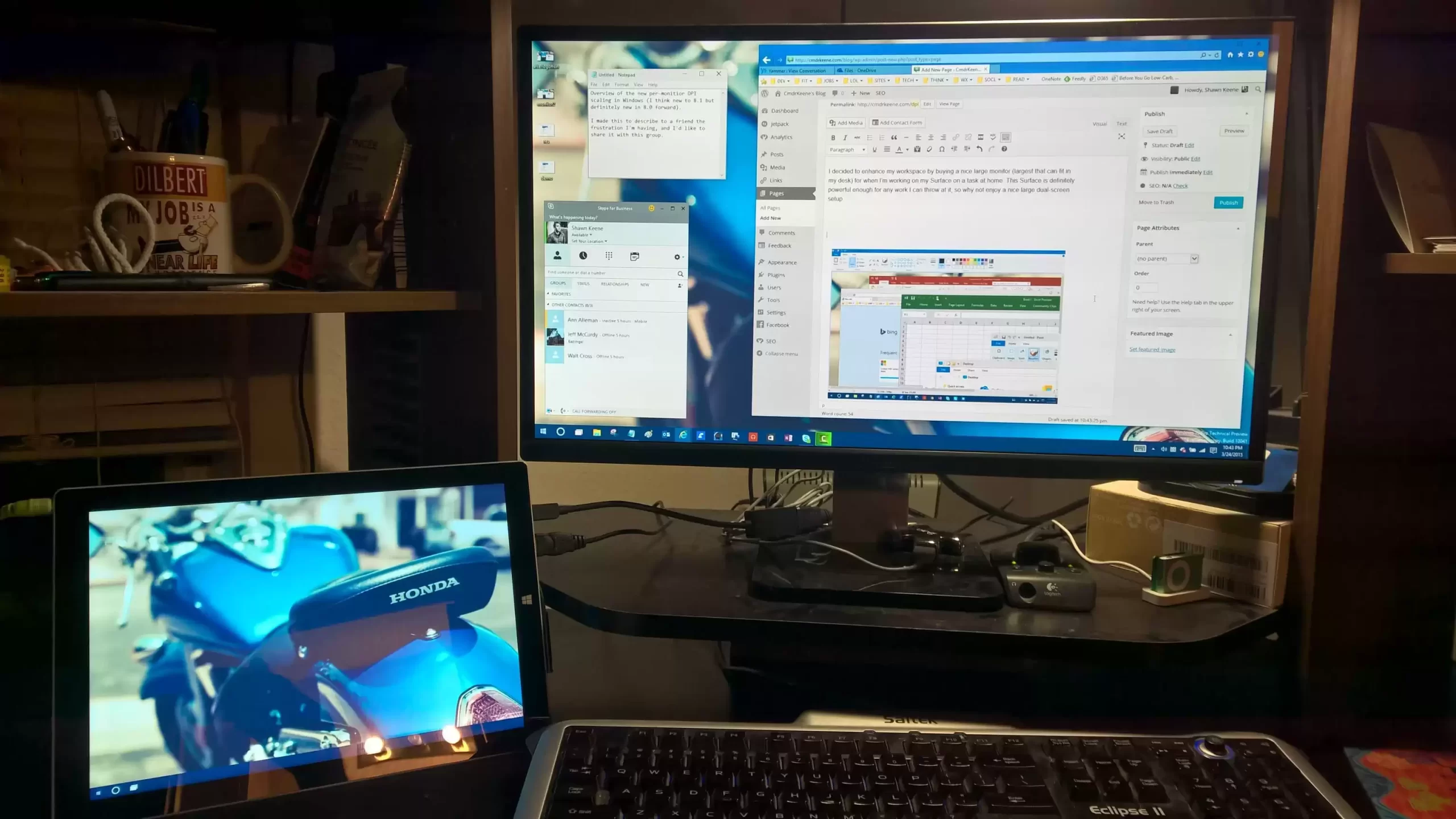
DPI Scaling in HD Multi-Monitor Configurations
I decided to enhance my workspace by buying a nice large monitor (largest that can fit in my desk) for when I’m working on my Surface on a task at home. This Surface is definitely powerful enough for any work I can throw at it, so why not enjoy a nice large dual-screen setup.
-
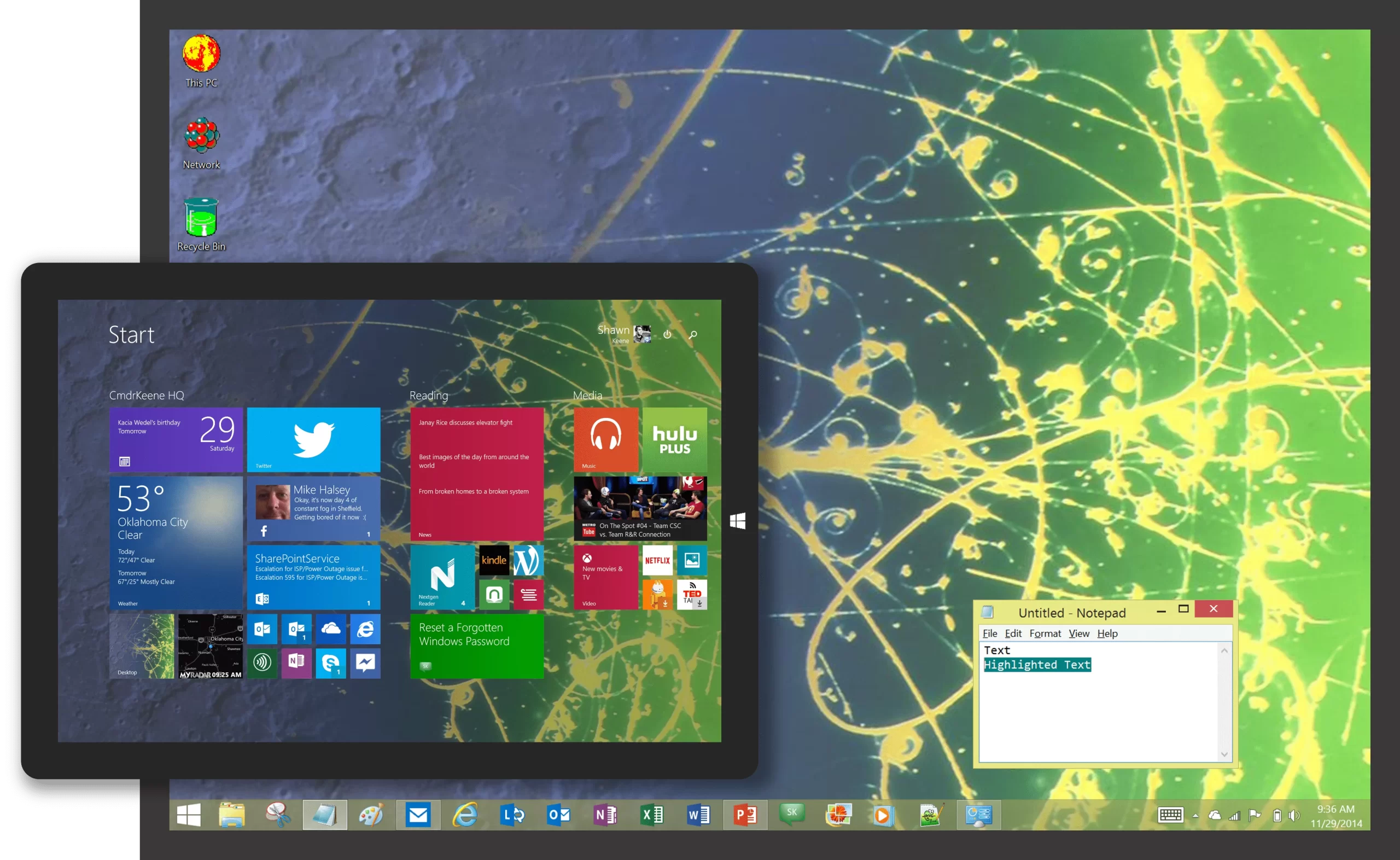
Plus! Pack Themes for Modern Windows
I found some old Plus! pack themes on an old hard drive this week. During some downtime I modified the source of the files to make them compatible with modern versions of Windows and packaged them up for your enjoyment.
-
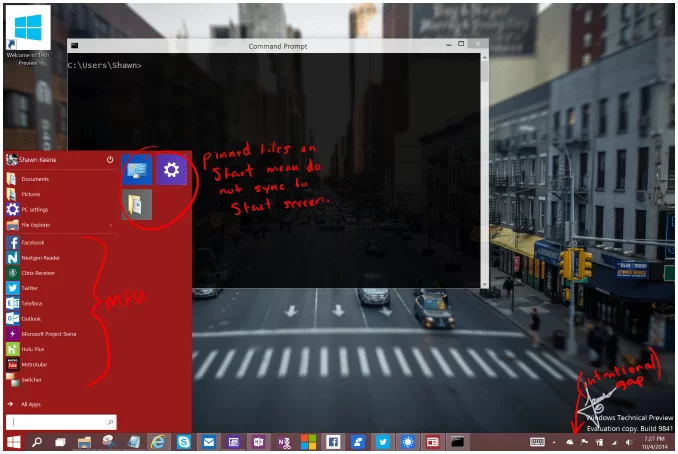
Windows 10 Technical Preview Observations
A look at what I’ve noticed in Windows 10. These observations are for build 9841, which became generally available on October 1, 2014. Since there is still a year or more before release, most if not all of all observations are not a representation of the final product and are either going to be adjusted or outright replaced in later builds. So while you can get a good idea of how Windows 10 looks and feels today, many of those experiences will not be with what you’ll see Windows 10 when it debuts in a year. Touch UI Changes and…