
Tech
indulgences into my geek side
-
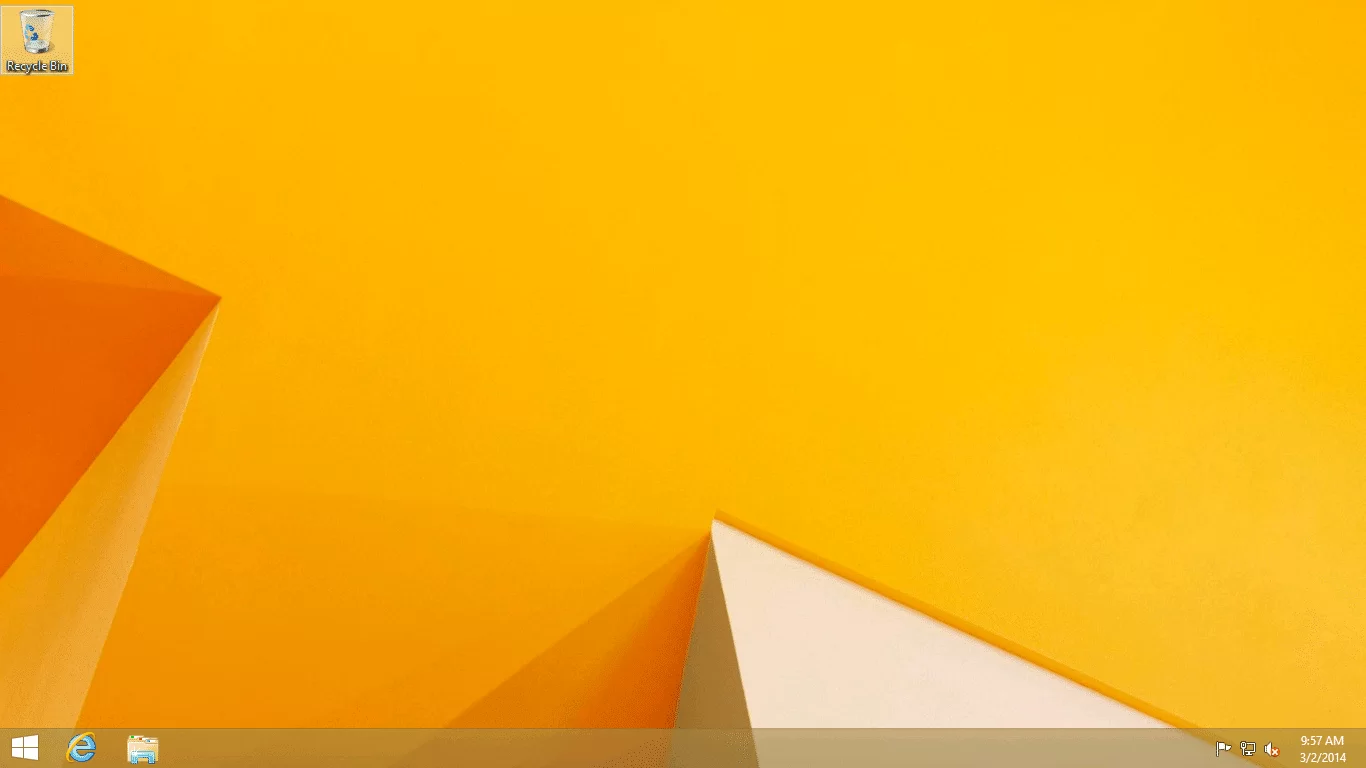
Open Files on the Desktop in Windows 8
If you use Windows 8 on a typical desktop computer (with a keyboard and mouse), you may not like getting whisked over to a full-screen tablet interface just because you opened an email attachment or picture file. Here’s how to stop that and stay on the desktop.
-
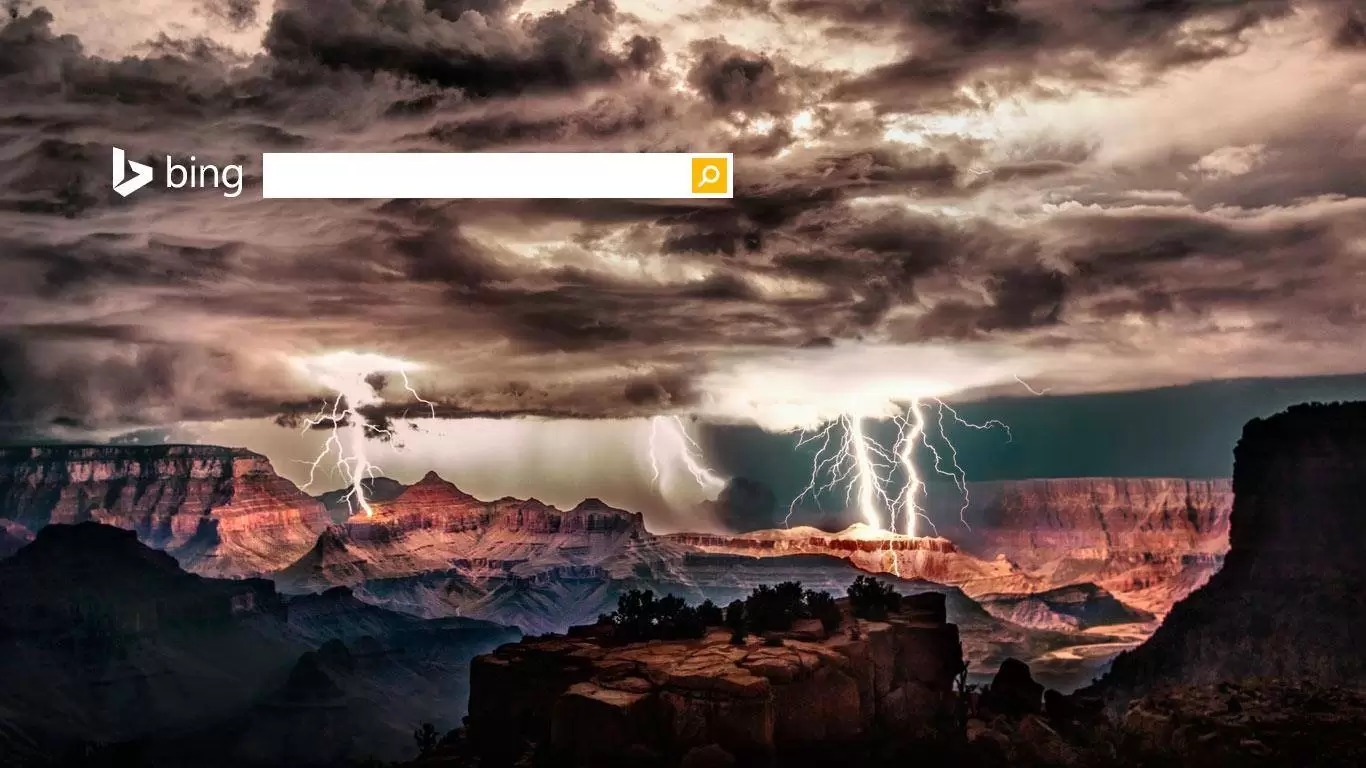
Bing Tells You Where the Movie Is
Bing in fact has a secret power that is kept too secret. Searching for a movie provides an index of which services carry the title, which saves you from individually searching various apps and sites. Big deal? It saves real money too, when the movie is already on a service you subscribe to, you can watch it there instead of buying it outright.
-
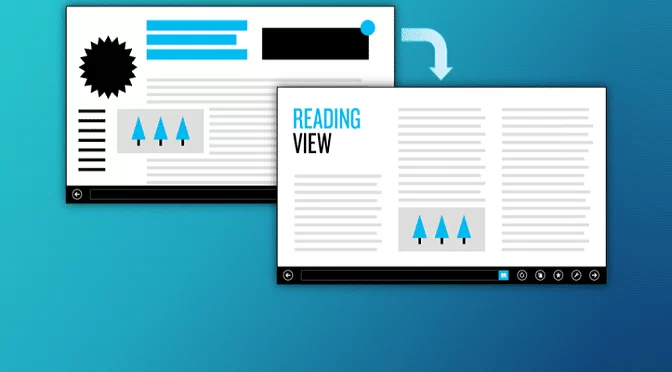
Windows 8.1 Reading Mode
Most of us don’t typically consider our browsing experience. We use the web and take it as it is. But the new reading mode in Windows 8.1 adds one more to a growing list of reasons to come back to the browser you loved to hate.
-
![One Year of Windows 8 App Store Growth [Screenshots]](https://cmdrkeene.com/blog/wp-content/uploads/2013/12/Screenshot-32.webp)
One Year of Windows 8 App Store Growth [Screenshots]
How has Windows 8 app selection grown in the past year? Checkout this Start screen comparison and see for yourself.
-

Saved files from IE plugins get redirected
Have you ever tried to save a file from web-based app or plugin, but the file doesn’t show up where you put it? Here’s why.
-
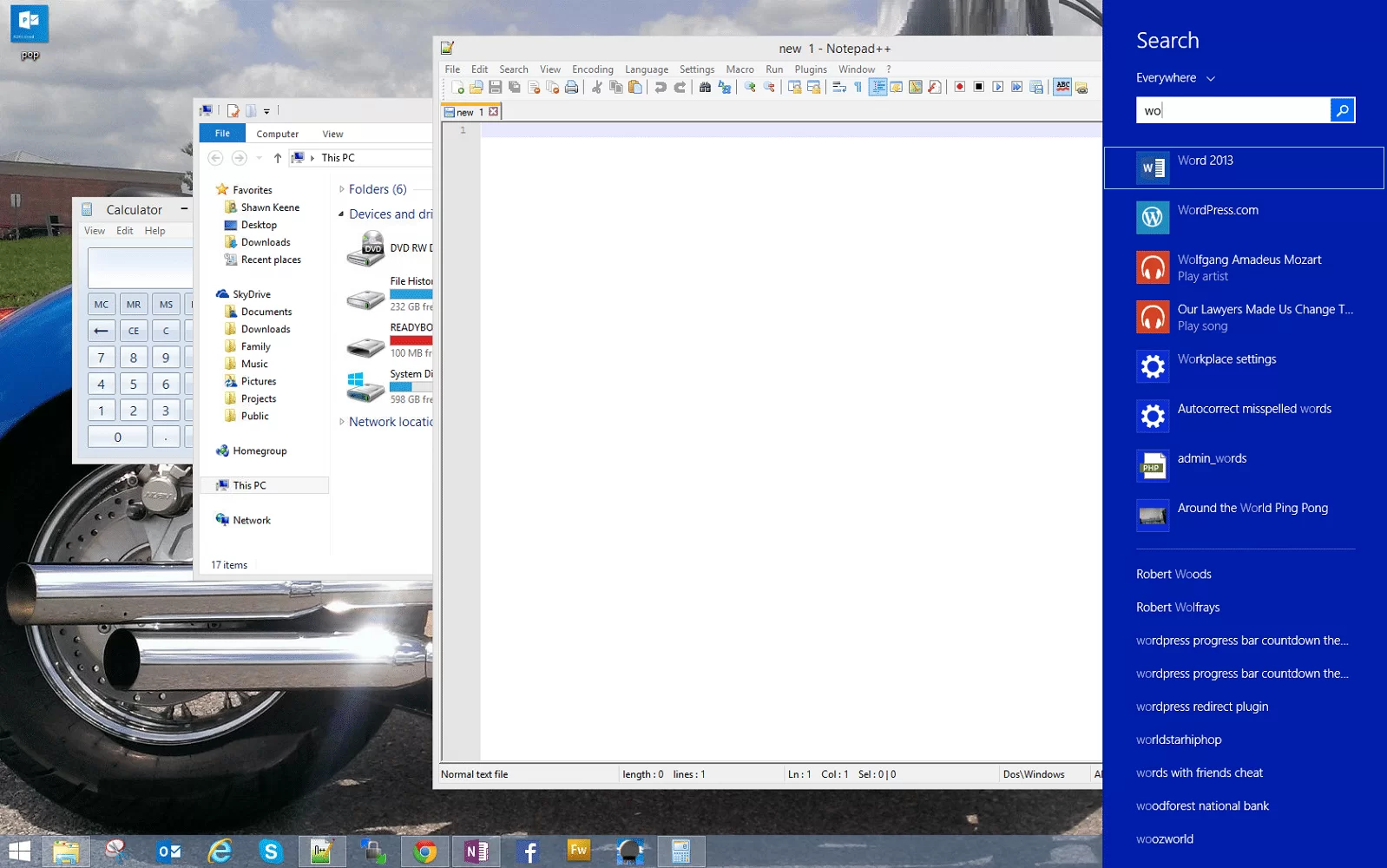
Windows 8 Tip: Search without leaving the desktop
Watch a Power User for a while, and you’ll soon notice that they rarely take their hands off the keyboard. Without lifting a wrist to touch a mouse, trackpad, or touch screen, these super users move seamlessly between tasks, switch programs, and navigate complex and large documents.
-
Use POP email in Windows 8
The Windows Mail app is built for connected devices like mobile phones and tablets, and allows full sync across all your devices. If you move a message into an email folder from your tablet, your phone and computer will also show that same change. Where Windows 7 required you to install your own email program to get email, Windows 8 now lets you do so right out of the box. And even if your email provider does not support synchronization like this, you still have a few options:
-
Windows 8 Myths, Busted
It’s time to have a frank discussion busting the myths of Windows 8. If you receive nothing else from this, I want you to understand that Windows 8 does not take anything away from you. Anyone claiming otherwise is either trying to spread FUD (Fear, Uncertainty, and Doubt), quite likely for profit, or is simply unaware of the truth.
-
Microsoft Surface: Made to Game
My Surface is perfect for gaming because it is so versatile. From casual gaming to the hardcore, Surface is as much for fun as it is for business. Here I’ll outline what’s available.
-
Dev Tip: Windows 8.1 Brings Notifications to Pinned Site Tiles
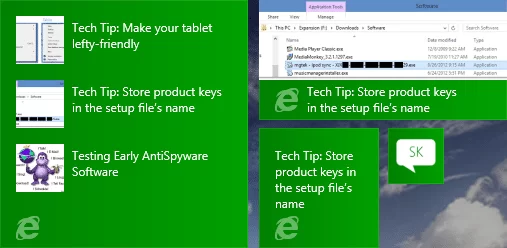
Pinned Sites, first introduced in Windows 7 with Internet Explorer 9, could be described as super-favorites. Windows 8 brought us the ability to pin sites to our Start screen, and this functionality is being enhanced in Windows 8.1.