
Tech
indulgences into my geek side
-

Dude, Where’s My Cursor?
Judging by how many ways they’ve come up with to solve it, I guess Microsoft believes everyone has a hard time finding their mouse pointer on their big giant displays these days. Here’s my methods.
-
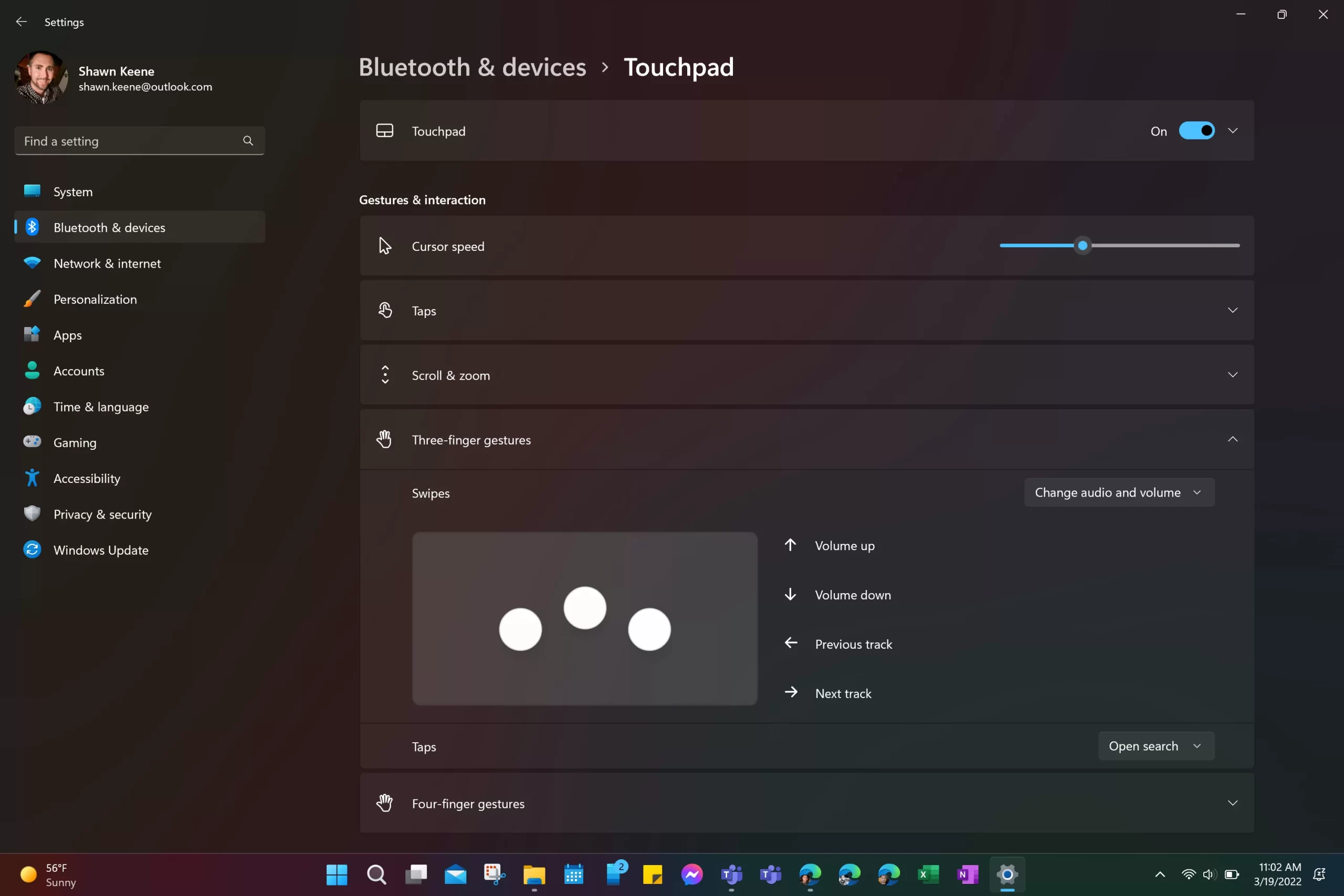
Windows Volume Gestures
When you’re driving down the freeway and your favorite song comes on the radio, I bet you can reach out and adjust the volume knob without ever taking your eyes off the road: your muscle memory kicks in, and you instinctively know where to reach without even looking. This is a practical demonstration of Fitts’ Law.
-
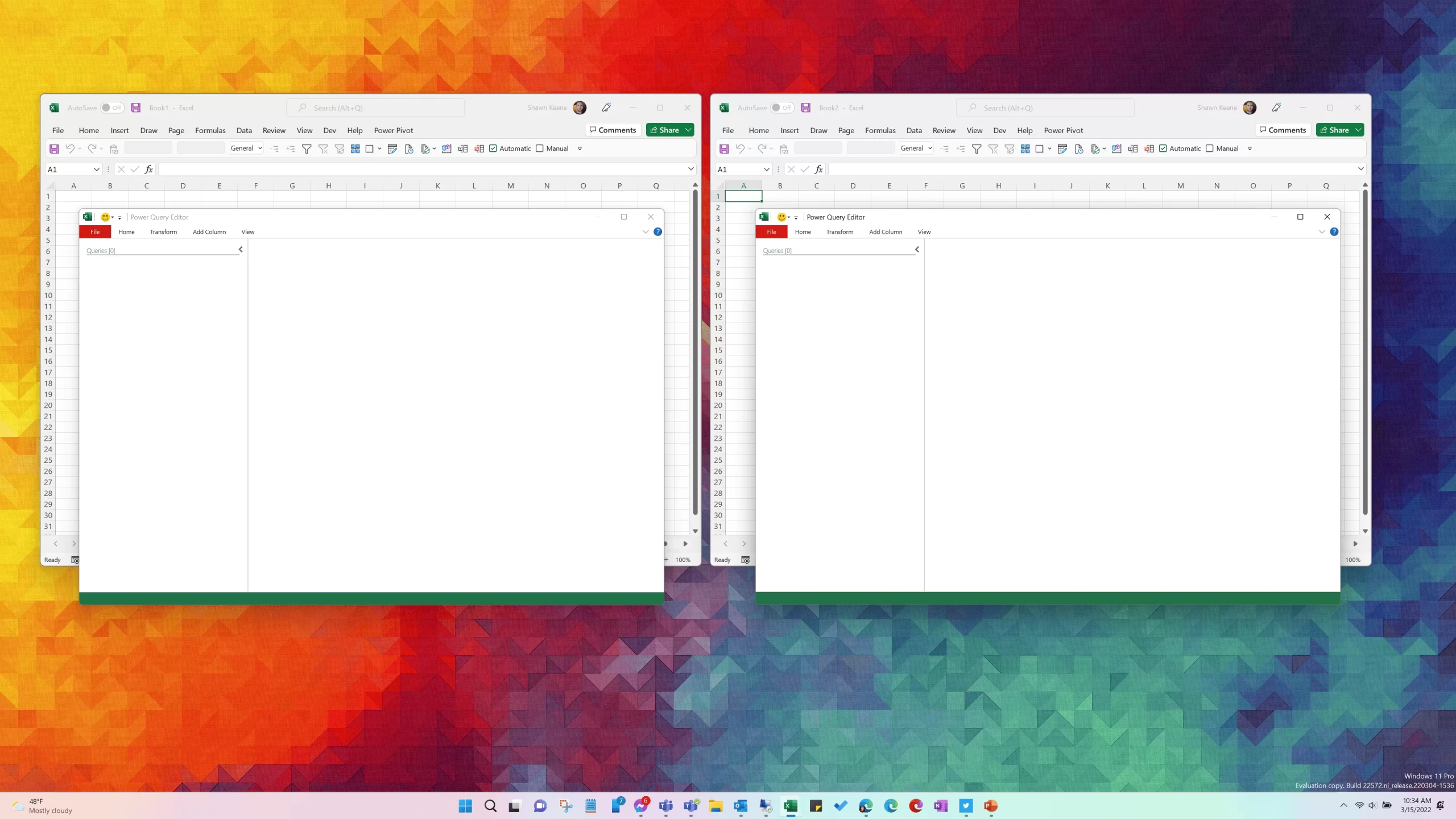
Opening Multiple Instances of Excel, and Why (Power Query multitasking)
Although it seems like every Excel workbook that you open is a standalone instance, Excel is basically still the MDU application it’s always been. The Office team deploys some clever tricks to hide it, but in some situations it becomes apparent. Let’s explore.
-

PSA: Microsoft asks you to set your Xbox Series to Energy Saver Mode
At launch, the Xbox Series S/X systems were very inefficient power-wise, drawing nearly 30 watts of juice in standby mode, 24 hours a day. With 12 million consoles sold and counting, this was projected to require 4 billion kWh of electricity within just a few years. This is as much as a year’s output from a large power plant, releasing more than 3 million tons of CO2 into our air just to power consoles that weren’t even being used. Things have improved, but it needs you to flip the switch.
-
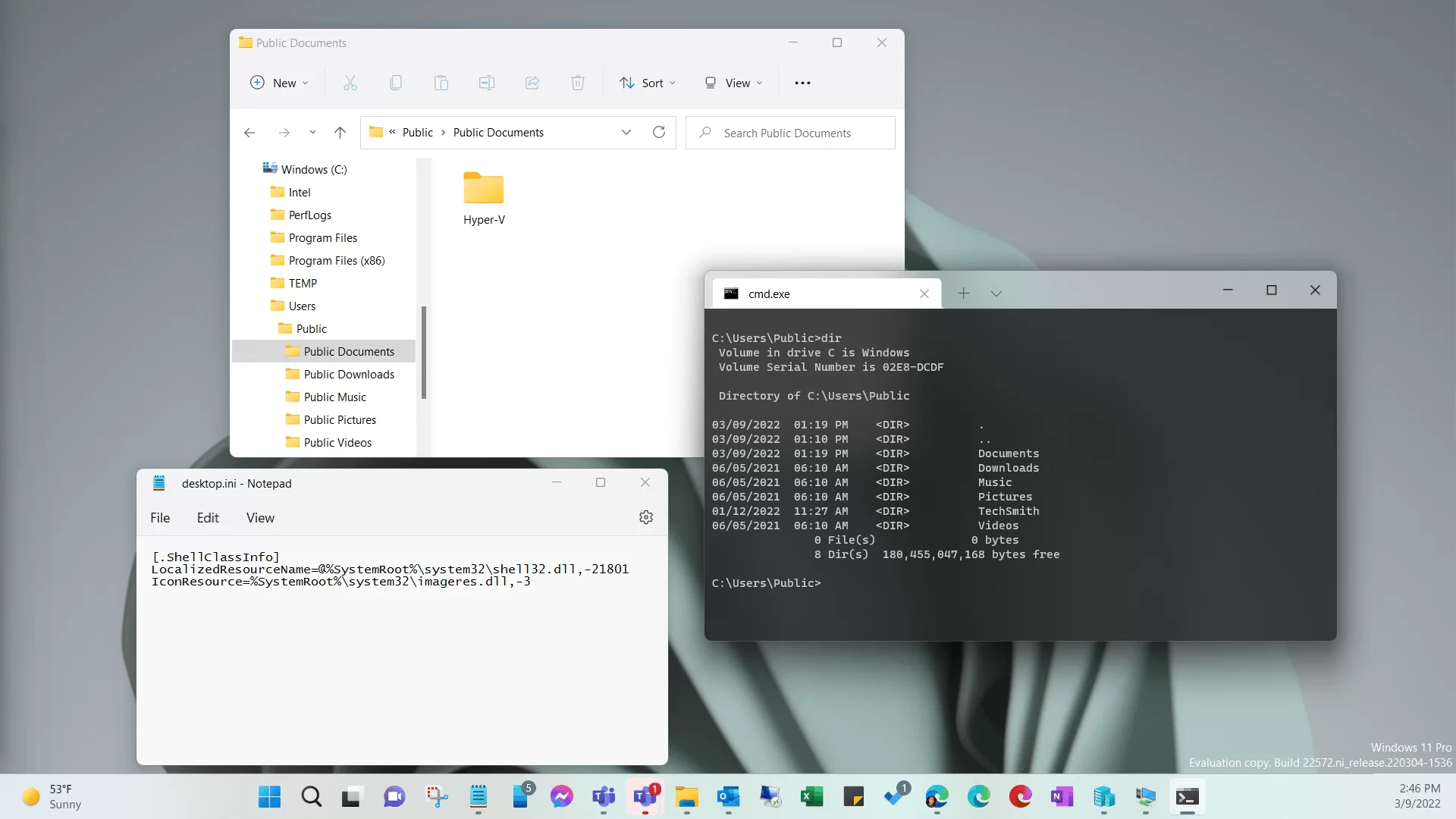
Change a Folder’s Name Without Renaming It
Folder names in File Explorer don’t necessarily reflect the actual name of the directory. But why?
-
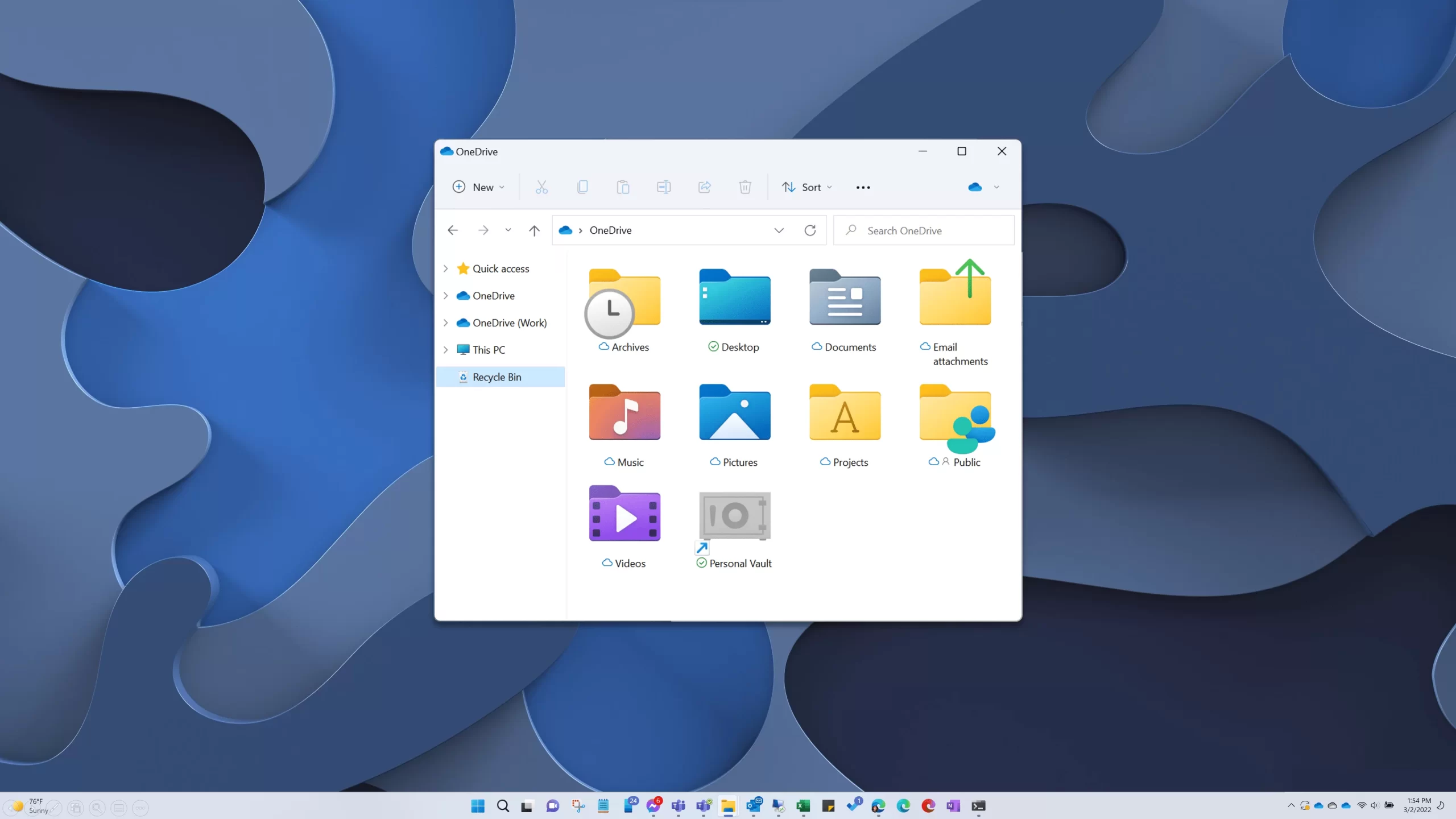
Add Recycle Bin to Windows File Explorer
Why would you keep your garbage can on your desk anyway? Here’s how to add Recycle Bin to your Explorer navigation pane so it’s readily available anytime you’re working with files.
-
Disabling Browser Throttling
Not long ago, a new feature made its way to Chromium (including Google Chrome and Microsoft Edge) that aimed to reduce CPU utilization and boost battery longevity. But this occlusion calculation and throttling feature can also cause problems for situations that don’t work when your browser puts a webpage or tab to sleep – such as using your web browser as your phone system.
-
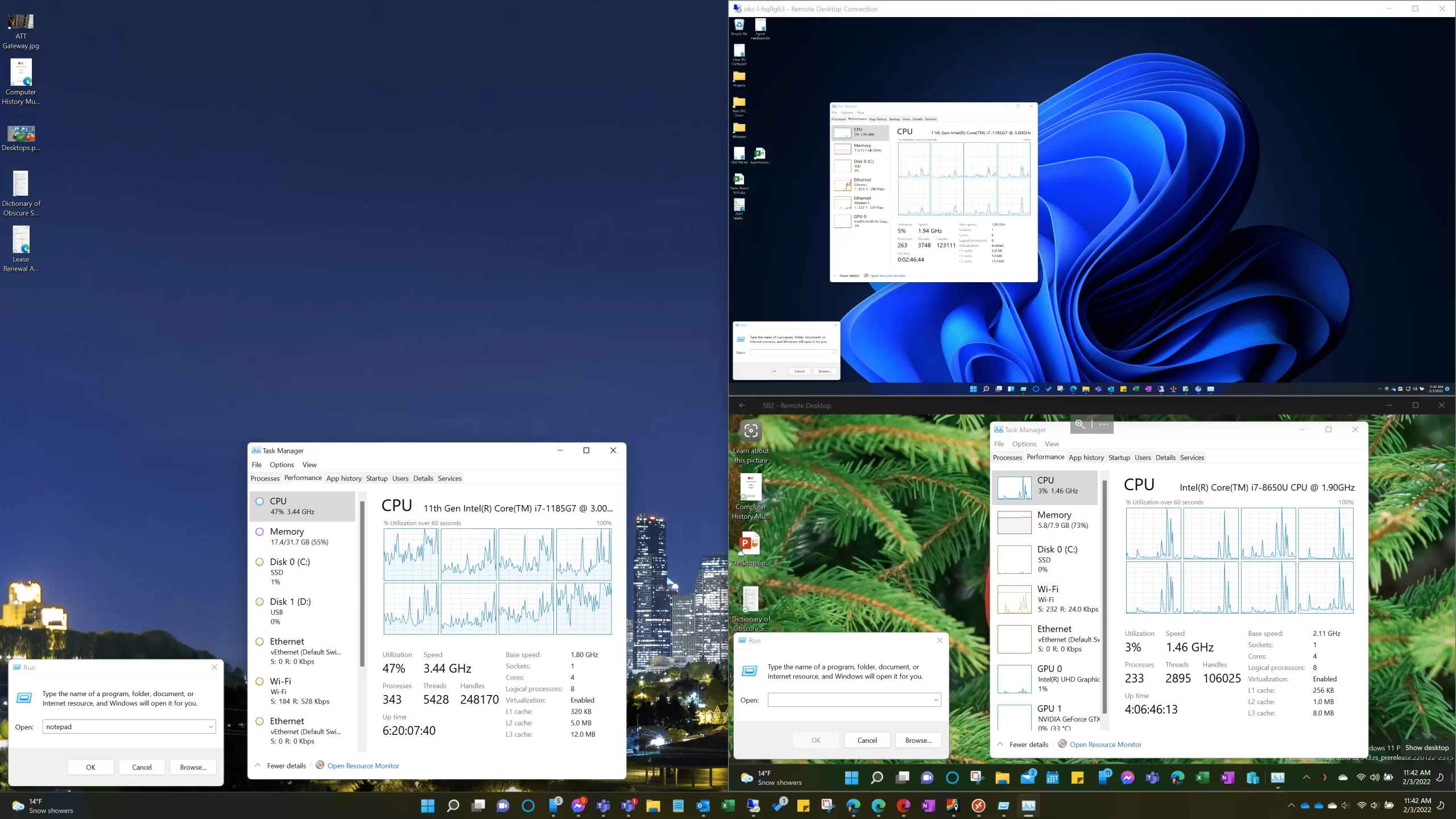
On Windows Remote Desktop Clients
If you use Windows remote desktop and especially if you have a high-resolution display, there’s some different DPI and scaling behavior between versions that might interest you.
-

Shorten Links Before Creating QR Codes
Overly dense QR codes are difficult to scan, especially at a distance. So here’s a pro tip to give your visitors a better experience and faster, more reliable scanning: first remove all unnecessary text and info from your link before you create a QR code for it.
-
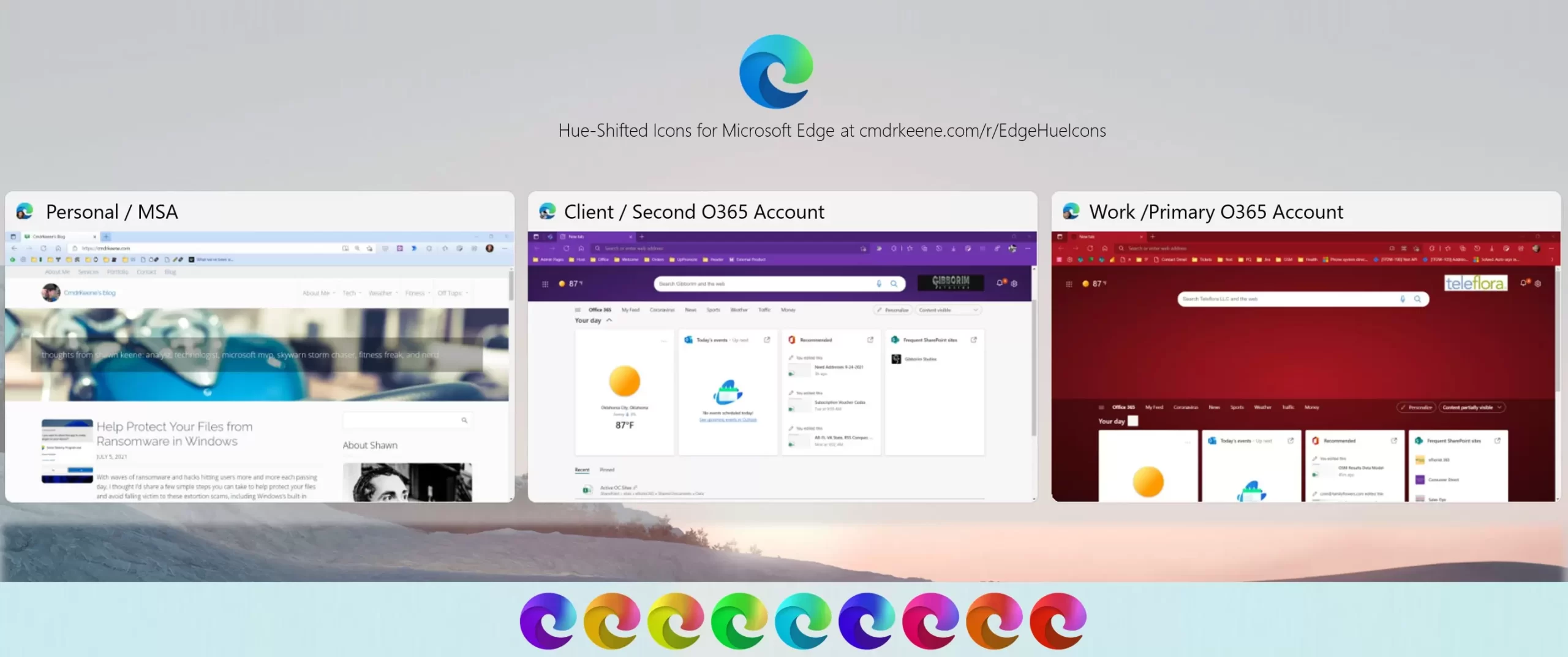
Hue-Shifted Microsoft Edge Icons
I use 3 separate browser profiles and needed a way to tell them apart on my taskbar, so I gave each profile a bold color theme and made matching hue-shifted icon for it to pin to the Windows taskbar.