
Tech
indulgences into my geek side
-
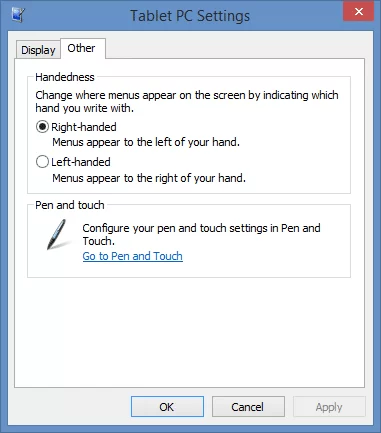
Tech Tip: Make your tablet lefty-friendly
On Windows tablets, the right-click menu is pre-set to appear on the left of your pointer or finger, which is opposite of the behavior on a desktop PC. For most of us, this prevents our hands from obscuring the menu.
-
Store product keys in the setup file’s name
Almost any software purchased these days includes a product key: a unique code that activate the software. In most cases, this key is what you truly purchase: it confirms your licensed right to use the program. But how do you keep track of all those keys?
-

My hard drive crashed, and yours will too
A crash is often the result of a software error, either faulty programming or the work of malware, malicious software like a virus. While these can sometimes be overcome, when your hard drive itself malfunctions, you have a physical failure on your hands that can be devastating. Here’s how I recovered thanks to SkyDrive.
-
Considerations before renaming your Microsoft Account
For a while now, I’ve been waiting to rename my Microsoft Account. The @live.com email address was feeling dated and I wanted my account to use the new @outlook.com name. I delayed, expecting this to require erasing my Windows Phone, but this is not actually the case. Sort of.
-
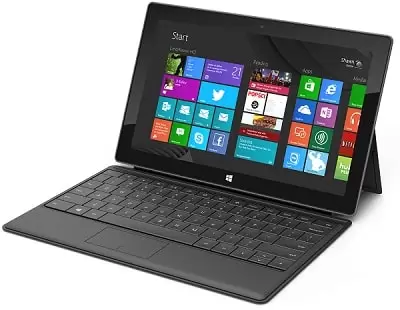
What I Use: 2013
I get a lot of questions about the hardware and software I use and recommend, so I’ve decided to publish the list. Here’s the devices and services I use the most.
-
Open SkyDrive as a Desktop Folder in Windows RT
With limited storage capacity, it’s not surprising that RT tablets do not sync your cloud-stored files for offline access. Take my SkyDrive for example, which holds over 60 GB of my stuff. While Windows RT does provide a SkyDrive app for access, there are times when it would be useful to open this cloud storage as if it was a local folder or drive.
-

Pin Your Stuff All Over Windows
Today it occurred to me that the pin action has really taken off at Microsoft across all products and divisions. Just like the physical version, pins are used to personalize and post your stuff in-place, wherever you want to place it. Here’s just a few places you can find this metaphor in Windows, and how to use it effectively.
-
Sync Unmoveable Folders to SkyDrive
I’ve shown you how to make SkyDrive the storage location for your Windows libraries, as well as sync your desktop and other shell folders to SkyDrive and your other PCs. But what if you have files that need to stay on another drive, or that can’t be moved to the SkyDrive folder?
-
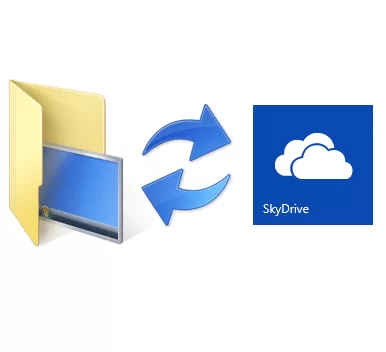
Sync the Desktop across all your PCs with SkyDrive
If you’ve been following me here or on twitter, you know I’m a huge proponent of SkyDrive, the online storage space service from Microsoft. SkyDrive makes sharing files a breeze – whether it privately among your private personal computers and devices, discreetly with individuals and colleagues, or publically with the world. SkyDrive is a great addition to (or starting point for) backing up your personal files and documents, safely off-site and yes, in the cloud.
-

Visual Effects and Performance Options in Windows 8 and 10
I’ve written before about the non-intuitive nature of visual effects in recent versions of Windows, where offloading the desktop rendering duties to the graphics card can result in considerable performance improvements. While this is true for nearly any modern PC, including those with ‘integrated’ graphics cards, there are still steps one may take to enhance performance.