
Tech
indulgences into my geek side
-
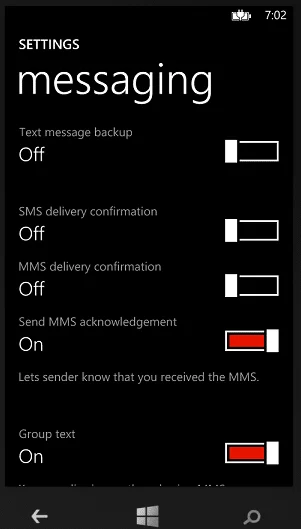
Verizon Cripples Group Communication
Sorry Verizon, there’s no easy way to say this. For a communications company, you really suck at enabling your customers to communicate with their world. In a day where real-time collaboration is a necessity, consumers expect a certain level of functionality. This includes the ability to communicate in text conversations with a group of colleagues.
-
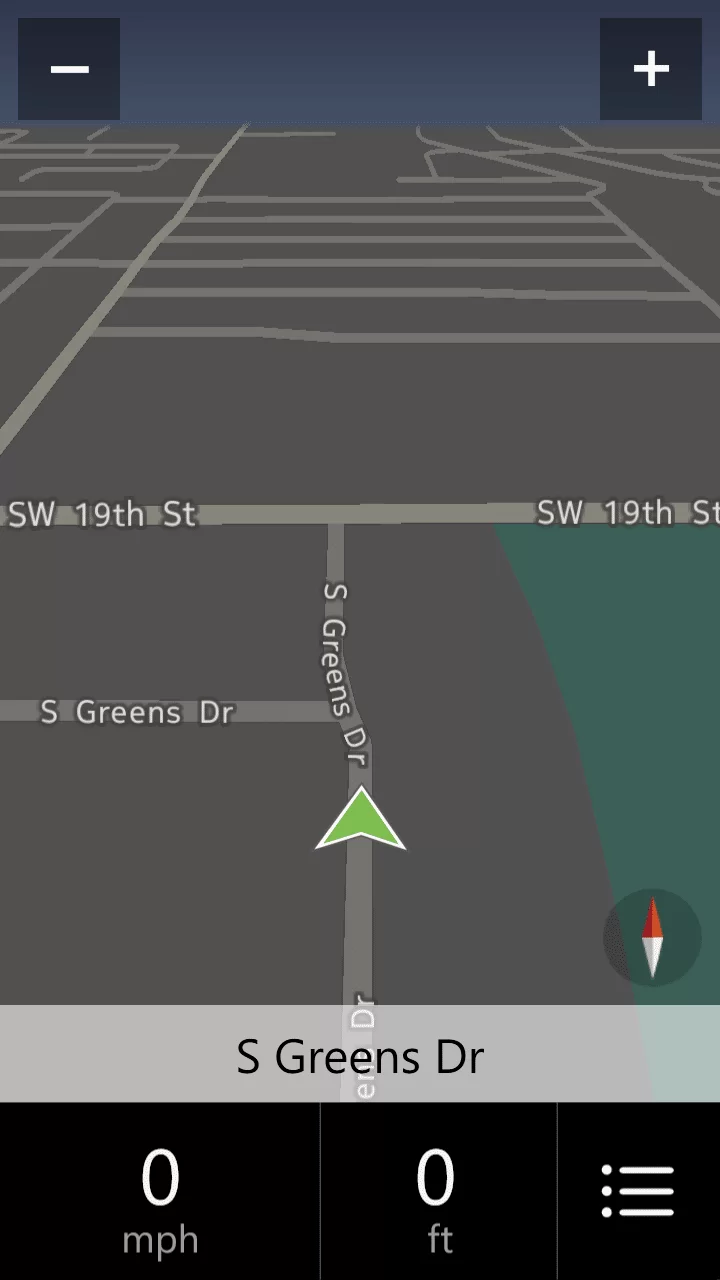
First Impressions of Nokia Drive+Beta for Windows Phone 8
The Nokia Drive app, previously exclusive to Nokia’s Lumia line of phones, is now available as a Beta to all Windows Phone 8 devices. As a HTC 8X user, which does not include a free navigation app, I was excited to test such a highly rated app.
-
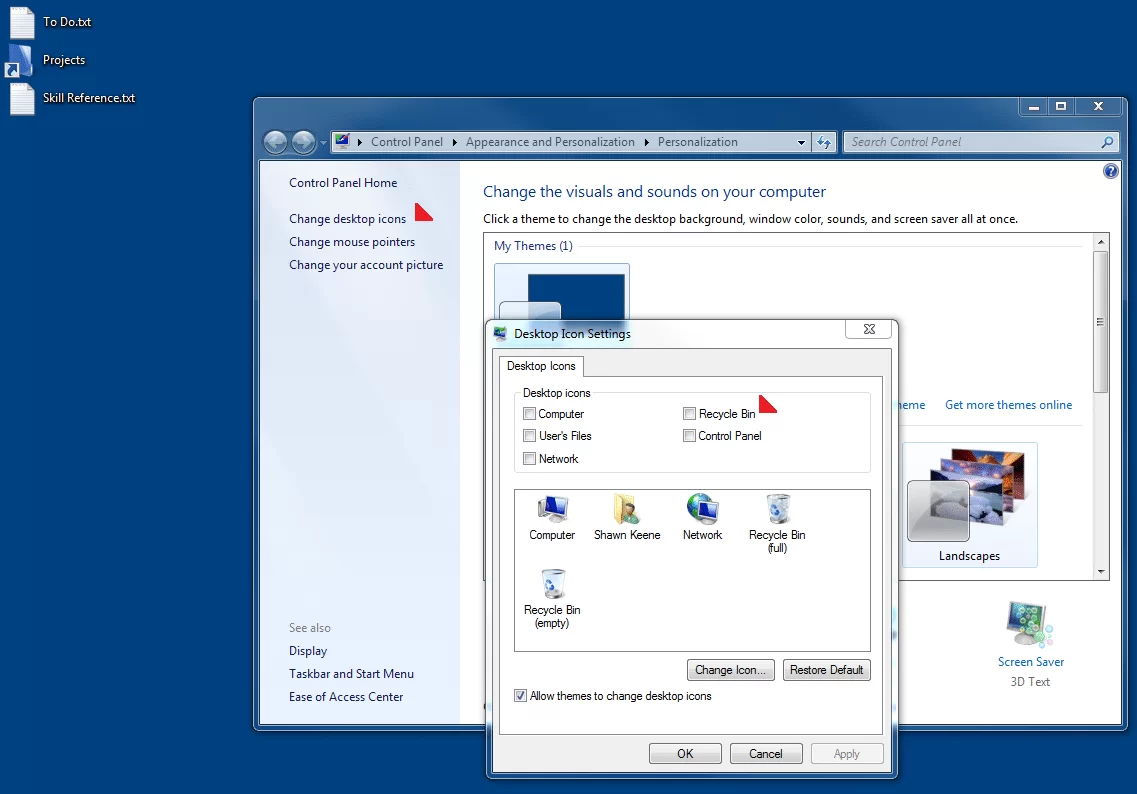
Remove Recycle Bin from the Desktop
I do not suffer from obsessive compulsive disorder, but I do display some OCD tendencies. One of these is habitually emptying the Recycle Bin on my desktop — I just cannot stand to see those virtual papers in there (if only I took out the trash at home with as much fervor).
-

Consider Services as Gifts this Christmas
This Christmas, consider tech services gifts for your non tech friends and family. Because they provide access to services and content year-round, they’re sure to be gifts that keep on giving. You don’t need to be a geek to appreciate these fine services that make great gifts for anyone.
-
![Radial Menu in OneNote MX [Video]](https://cmdrkeene.com/blog/wp-content/uploads/2012/12/radial.webp)
Radial Menu in OneNote MX [Video]
The OneNote radial menu provides finger-friendly access to common commands. When you’re familiar with the layout of the menu, you can use it without opening it first: just swipe in the direction of the command you want to select.
-
![More Commands in the Quick Access Toolbar [Video]](https://cmdrkeene.com/blog/wp-content/uploads/2012/12/Excel.webp)
More Commands in the Quick Access Toolbar [Video]
Pinning submenu commands to the toolbar not only provides more direct access, but also serves as a status indicator to a state that may otherwise be hidden. For example, now I can tell at a glance the status of my Excel workbook calculations, and change it if necessary before I make an edit that would trigger a lengthy calculation.
-
![Using Gmail in Windows 8 Mail App [Video]](https://cmdrkeene.com/blog/wp-content/uploads/2012/12/Gmail.webp)
Using Gmail in Windows 8 Mail App [Video]
Gmail’s use of labels instead of folders typically means that using the service with most mail clients can be tricky. If you know how Gmail archives instead of deletes messages though, you can more easily triage and archive mail from Windows 8.
-
![Deep Pinning on the Windows 8 Start Screen [Video]](https://cmdrkeene.com/blog/wp-content/uploads/2012/12/Deep.webp)
Deep Pinning on the Windows 8 Start Screen [Video]
Your Start screen tiles can link deeper into your apps, providing a one-touch shortcut to the content you care about most. Whether it’s people, email, news, or content from a variety of other apps, you can deep pin it on your Start screen easily.
-
![Use Quick Access from the Keyboard [Video]](https://cmdrkeene.com/blog/wp-content/uploads/2012/09/QuickAccessFileExplorer.webp)
Use Quick Access from the Keyboard [Video]
Did you know that you can add your own commands to the toolbar at the top of Microsoft Office programs? This also applies to several apps in Windows 7, and has even been expanded to the File Explorer in Windows 8!
-
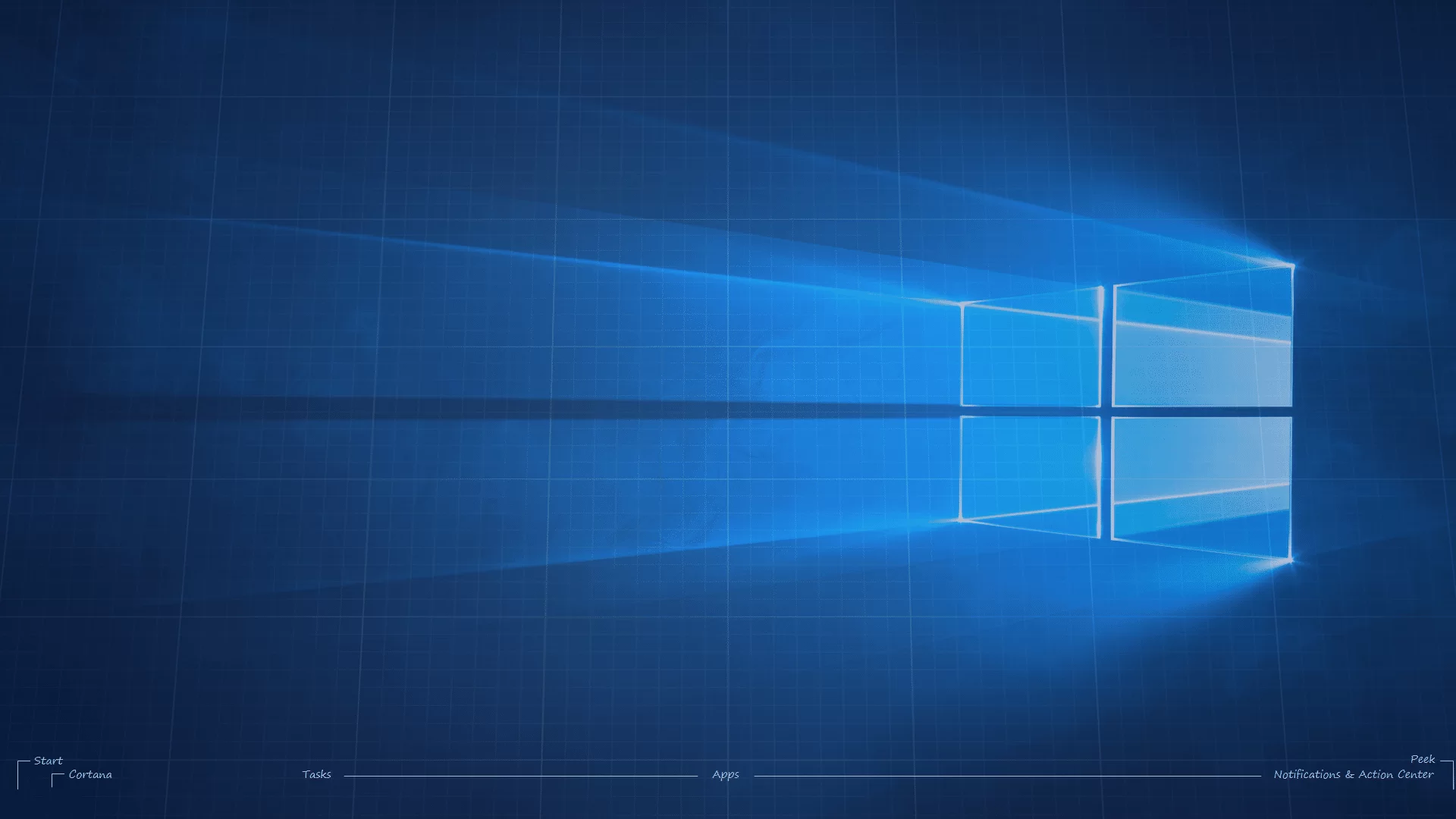
Custom OS Blueprint Wallpapers
Quite a few years ago now, I saw a really awesome wallpaper created by a Mac user. Designed in a blueprint pattern, it labeled all the standard interface elements on the screen, even the Mighty Blue Apple.