
Tech
indulgences into my geek side
-

Set Microsoft Office Name for Friendlier File in Use Messages
Has this ever happened to you? At best an annoyance, this can be a real productivity killer as you hunt around to find the user that has the file locked. You could save a copy of the file and try to clean up or reconcile later, and while collaboration solutions like SharePoint limit these cases, most businesses still rely heavily on network storage that makes this impractical. So, help make the word — or at least your office — a better place: click here and open this small vbscript file, which will set your Microsoft Office name to match your company’s network…
-
Reminder to update drivers in Windows 8
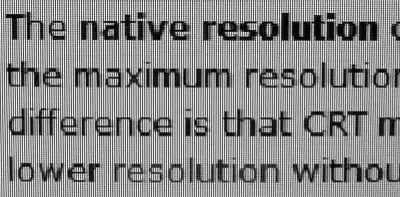
I just finished installing Windows 8 natively using a VHD, as discussed in my previous post, and while exploring I noticed some fonts were not quite as crisp as I would like. Others may not notice this subtle nuance, but it is likely that in aggregate you’ll be affected by stretched images, poor font and color quality, and even poor performance without proper hardware accelerated graphics. Let this post serve as a reminder to update your drivers and check your resolution so that you can experience Windows 8 the way it is meant to be: fast, fluid, and beautiful. The typical first place to check…
-
Dual boot Windows 8 without partitioning
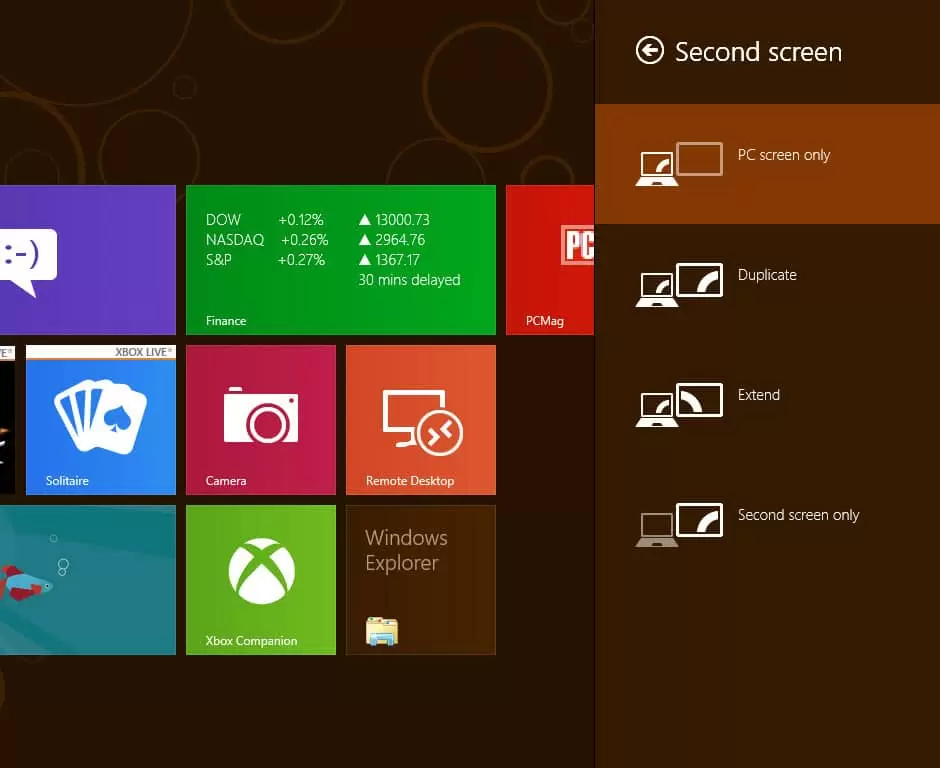
In this post, I’ll discuss why you should avoid using virtual machines for evaluating the new Windows 8 Consumer Preview, and how you can test drive this new OS the way it (and you) deserve, by fully booting into it. Some readers may be aware that Windows added support for lossless hard disk partitioning beginning with Windows Vista. This means you could pool your drive’s free space and split it off to create a new drive letter without additional software such as the once-popular Partition Magic. This was perfect for adding dual-boot without time-consuming disk formatting. Windows 7 added another capability…
-
MVP Summit Schedule Sync without Outlook
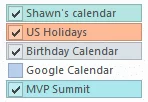
Hey fellow MVPs, I’m sure most of you have downloaded your itinerary from the schedule builder and probably added the events to Outlook. For those of you that either don’t have Exchange Active Sync capabilities or wish to keep these events off their Outlook Calendar, you can still sync your schedule with your smart phone using subscriptions in the cloud (such as Hotmail or Google Calendars). Unlike importing the downloaded .ics file, the method below will allow your phone to receive continuous updates if an event is modified. Rather than downloading the .ics Calendar file from the schedule builder, simply…
-
Create personalized bookmarks in SharePoint
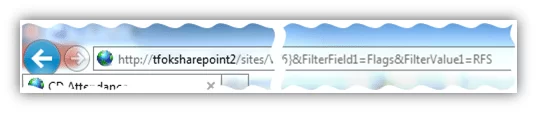
You might already be familiar with the filter bar, the gray headers at the top of most SharePoint lists. This interactive header allows you to sort and filter your view to drill down to the information you’re seeking. Sure, you could set your filter every time you visit the page, but that’s tedius if you need the same information each day. Here’s the ninja way: First, visit the list once and set your filters as you normally do one last time. As you set your filters, you might notice that the address of the webpage changes: Above: When setting the…
-

Sprint users, enable Google Voice services!
Do you have Sprint service? If so, I would encourage you to take advantage of Google Voice services. Some might fear the ever-growing tech giant for permeating ever-increasing corners of our lives, but I for one welcome our all-knowing computing overlords at Google. Seriously though, have you heard of Google Voice? The service was previously known as Grand Central and was purchased by Google back in 2007. They’ve been making steady improvements, the latest of which is seamless integration for Sprint users. Google Voice allows you to link all your phone numbers — cell, office, and home, for example — under the…
-
Speed up your computer with eye candy?
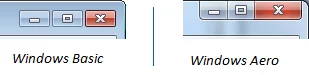
Has your computer ever re-drawn the screen slowly? Or has a lagging program ever turned black or duplicated itself like this as you try to drag it around? You can alleviate these slow-downs and even prevent GDI driver-mode related crashes by using Windows Aero, available in Windows Home Premium and higher editions. You can tell if Aero is on by looking at the top of almost any window. If the window controls (known as caption buttons) are touching the edge, you’re using Aero. It’s a subtle indicator, but it’s there: The Aero design also has translucent effects, like real glass…
-
Be more Conversational with your Email
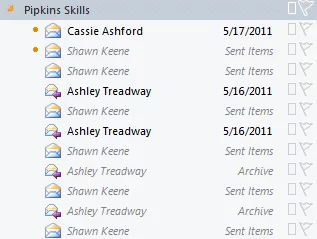
Tip: Use Conversation view in Outlook to find related messages from other foldersYou save: About an hour a week Have you ever received a reply to an email and wanted to look at the other messages in the chain? What if the other messages were already moved into other folders? Or if you wanted to look at messages you sent? In the dark ages, finding all these related emails required digging though folder after folder, hoping you weren’t missing any. In the middle ages, there was search. Neatly tucked away in the right-click menu was this option: This was handy, but it…
-
User Experience Optimization
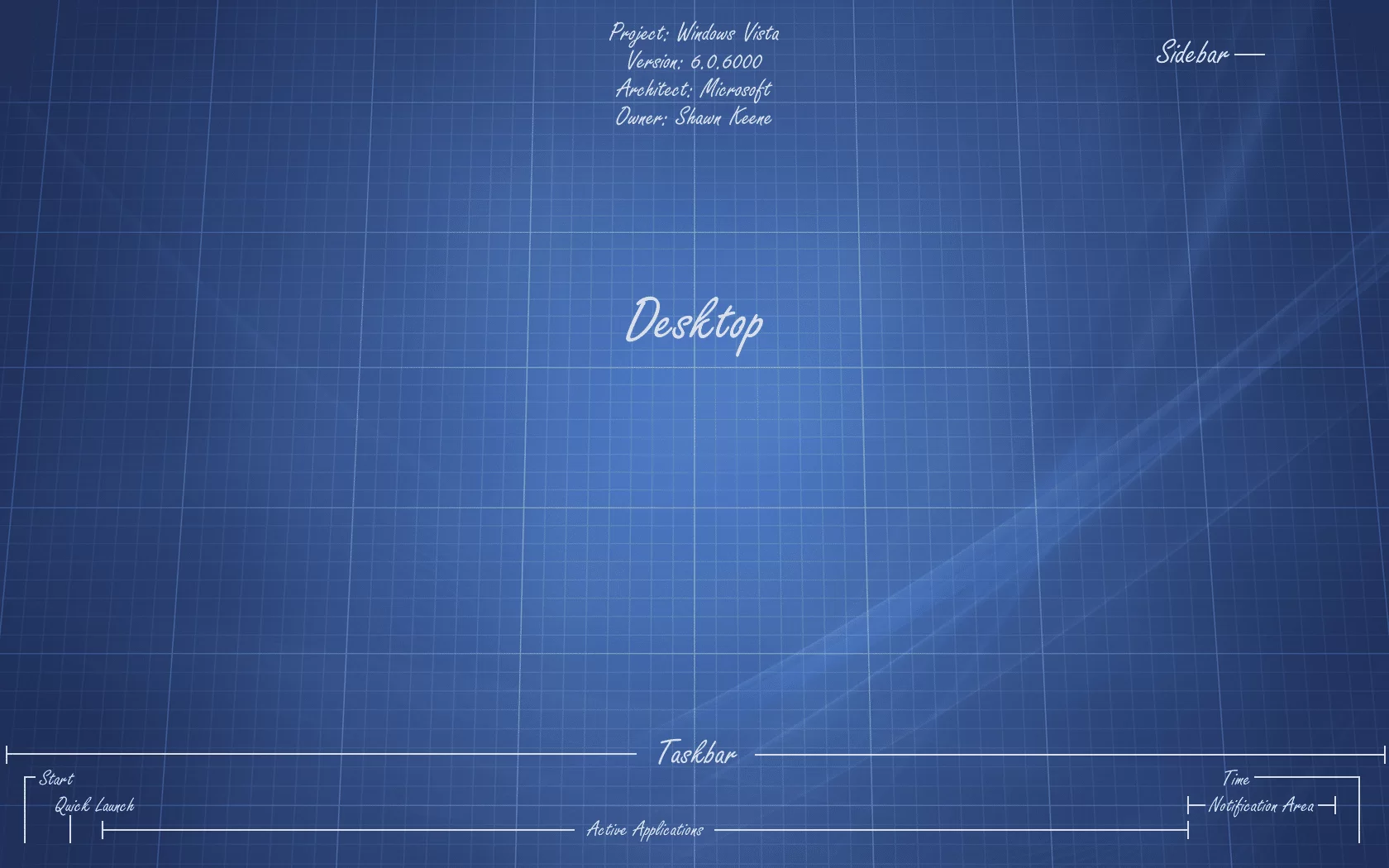
Users that have immediate, unfettered access to their resources and information are more reliable, better performing, and happier. When a workforce is more reliable, better performing, and happier, the entire business benefits with better SLAs, less turnover, and happier clients. User Experience Optimization is taking steps to consolidate and simplify the user experience, and is proven to have a very real and direct impact on a business’s ability to function profitably. Before we look at what makes an optimal interface, let’s look at what makes a poor one. What’s the worst user interface you were ever forced to use? What made it so terrible?…
-
My Mobile Evolution
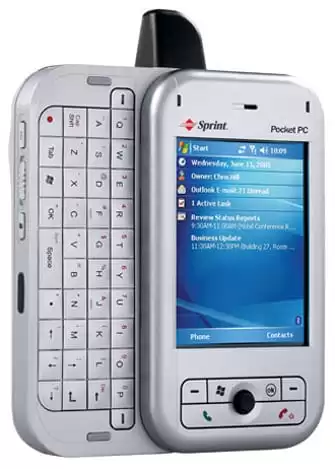
I’ve shared my favorite desktop apps and tools several times, now it’s time to discuss a device that is more intimate in nature. It’s hard to overstate the significance of the object that is so ubiquitous. For many, it is the first thing we see when we wake up, and the last thing we see when we go to sleep. It’s in our possion more than any other item. It knows every person you communicate with, everywhere you go, and for most of us, every other item you purchase. Before I dive into what I use today, let’s take a…